Workspaces
A workspace owns projects, their runs, its own credentials, its members and its policy. Nothing crosses between two of them.
Every install starts with one
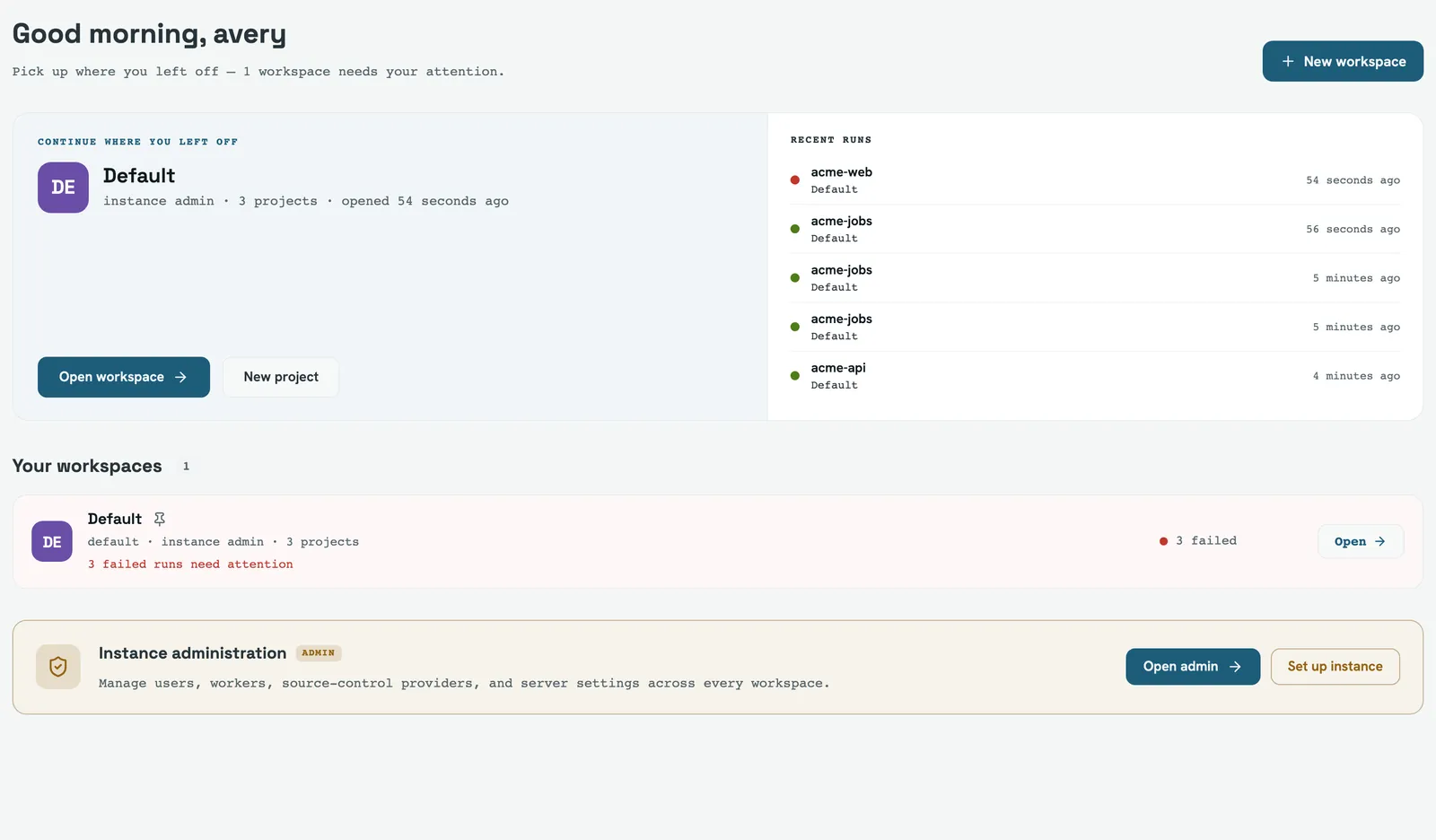
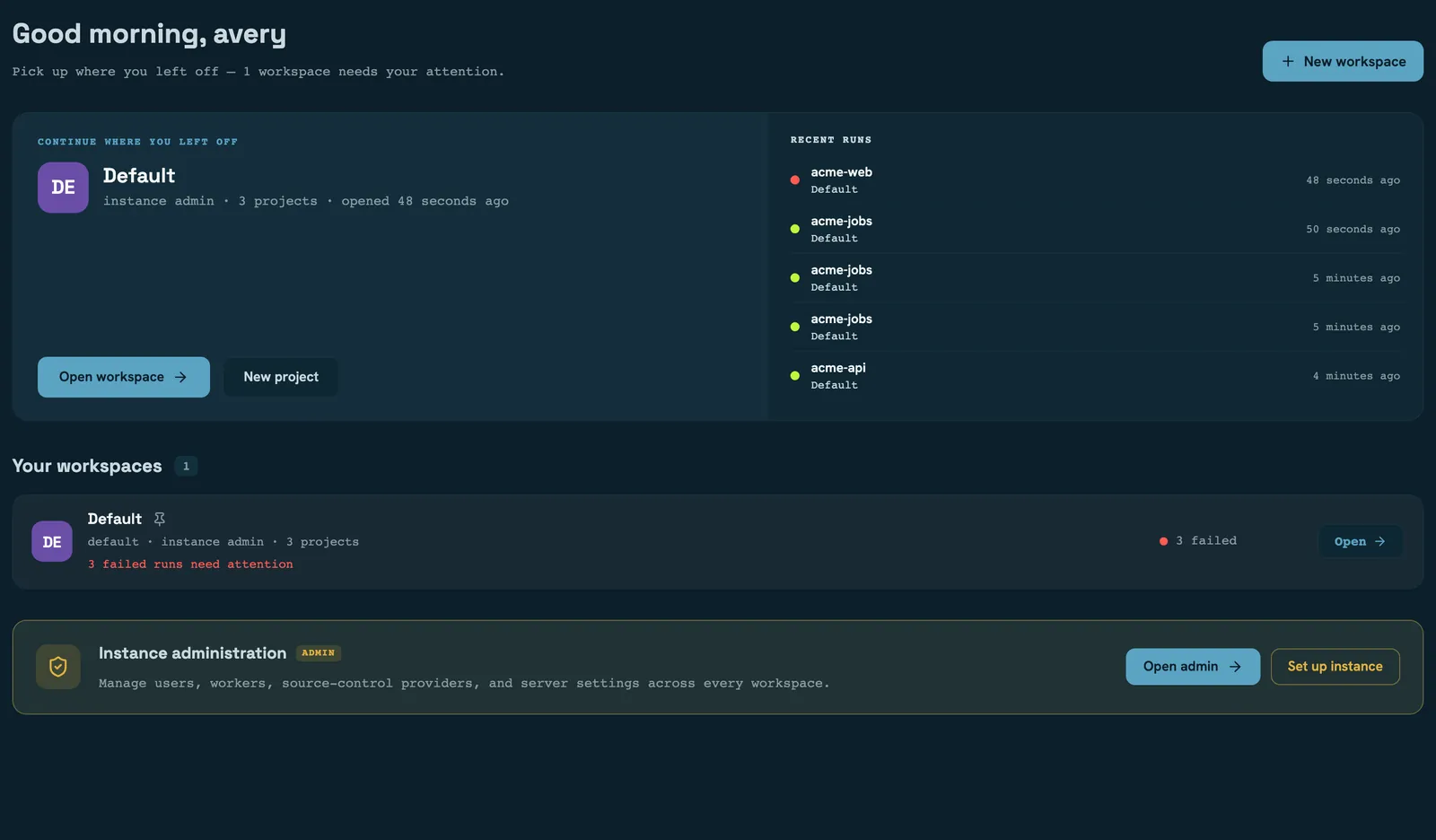
The first time a server opens its database it creates a workspace called Default, and
every project, run and user that already existed is moved onto it. Existing accounts get a
workspace role derived from their instance role — an admin becomes a workspace_admin, a
member a workspace_member, everyone else a workspace_viewer.
If you never make a second workspace you will never see the machinery: with one workspace, signing in takes you straight into it and the hub never appears.
Creating another
Only an instance admin can create a workspace, and the creator becomes its first workspace admin — otherwise the workspace would exist with nobody able to administer it.
With FW_AUTH=disabled there is no identity to grant, so the new workspace starts empty.
That's fine on a laptop and a trap anywhere else — one more reason not to run an open
server where anyone can reach it.
The hub at /home lists what you can reach, with the ones you've pinned first. It only
grows a search box past six workspaces.
Policy
Four limits, set under a workspace's Settings by anyone with manageSettings. Each is
optional, and each does something narrower than its name suggests:
| Setting | Empty means | What it actually does |
|---|---|---|
| Max concurrent runs | unlimited | Defers, never rejects: a run over the cap stays queued until one finishes |
| Retention | instance default | Overrides the instance retention window for this workspace's runs |
| Worker labels | unrestricted | A ceiling on what a project here may require — checked when the project is saved, not when it runs |
| Artifact quota | unlimited | Skips artifact collection once exceeded; the run still executes and existing artifacts are kept |
Two of these are worth reading twice. A workspace at its concurrency cap looks like a workspace with a stuck queue — the runs are waiting, not failing. And a workspace over its artifact quota produces green runs with nothing collected, which is quiet unless you're looking for it.
The label ceiling is the one that fails loudly: saving a project that requires a label the workspace doesn't allow is rejected with the offending labels named.
What the overview measures
The workspace overview's headline numbers have specific definitions, and one of them is not what you'd guess:
- Success rate is over a 7-day window and counts only decided runs — successes divided by successes plus failures. Queued, running, cancelled and skipped runs are in neither half, and the figure is blank rather than zero when nothing has been decided.
- Runs is a separate 24-hour count.
- Average and p95 duration are over the same 7-day window.
A project's own health rail is computed differently, from that project's recent runs, so the two can disagree. Trust the workspace number for the workspace.
Archiving
Archiving keeps a workspace fully readable and freezes everything else: no new projects, no runs triggered, cancelled or retried, no credential, member, settings or integration changes. The data stays, and so does the audit trail.
Un-archiving is deliberately not frozen — a workspace admin can always reverse it.
A single request that un-archives and changes a setting is rejected. Touching any
setting requires manageSettings, which is false while the workspace is still archived.
Un-archive first, then edit.
Read next
- Members and roles — who can change any of this
- Projects — what a workspace's projects are made of
- Credentials — the secrets a workspace owns
- Operations — the instance-wide retention these settings override