Runs
A run is one execution of a project's pipeline. It is queued, claimed by a worker, and ends
success, failed or cancelled.
skipped exists too, but it is a stage status — no run ever ends that way.
The list
The workspace list covers every project and filters by project and status. It pages forward only: there's a Next and a First page, and no Previous. A project's own Runs tab filters by branch or pull request instead, and shows its hundred most recent runs with no paging at all.
A run that sits in queued is waiting for a worker that matches it, or for capacity — its
own project's concurrency cap, or the workspace's. Neither rejects a run; both defer it.
See Workspaces for the workspace limit.
The console changes shape when the run ends
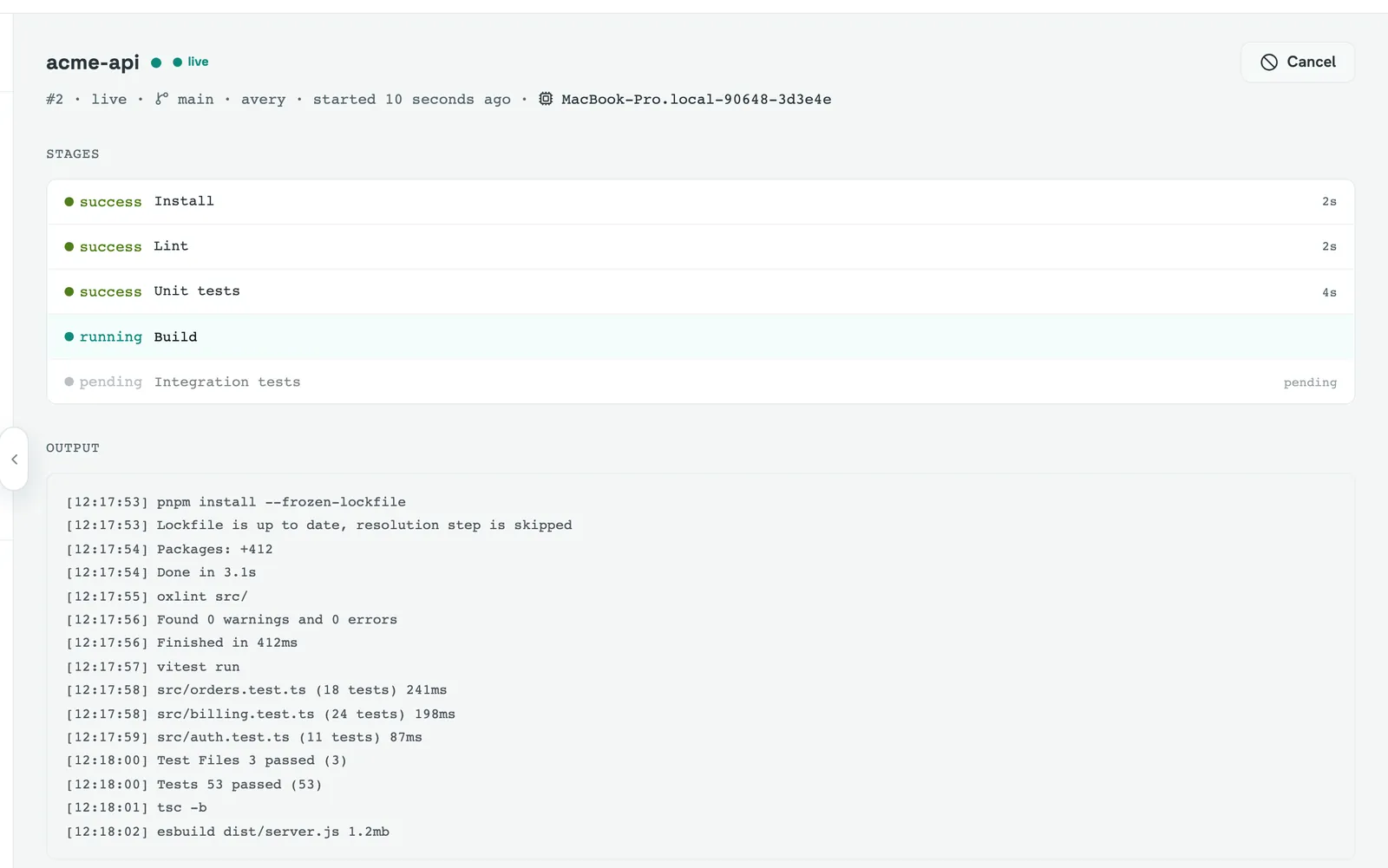
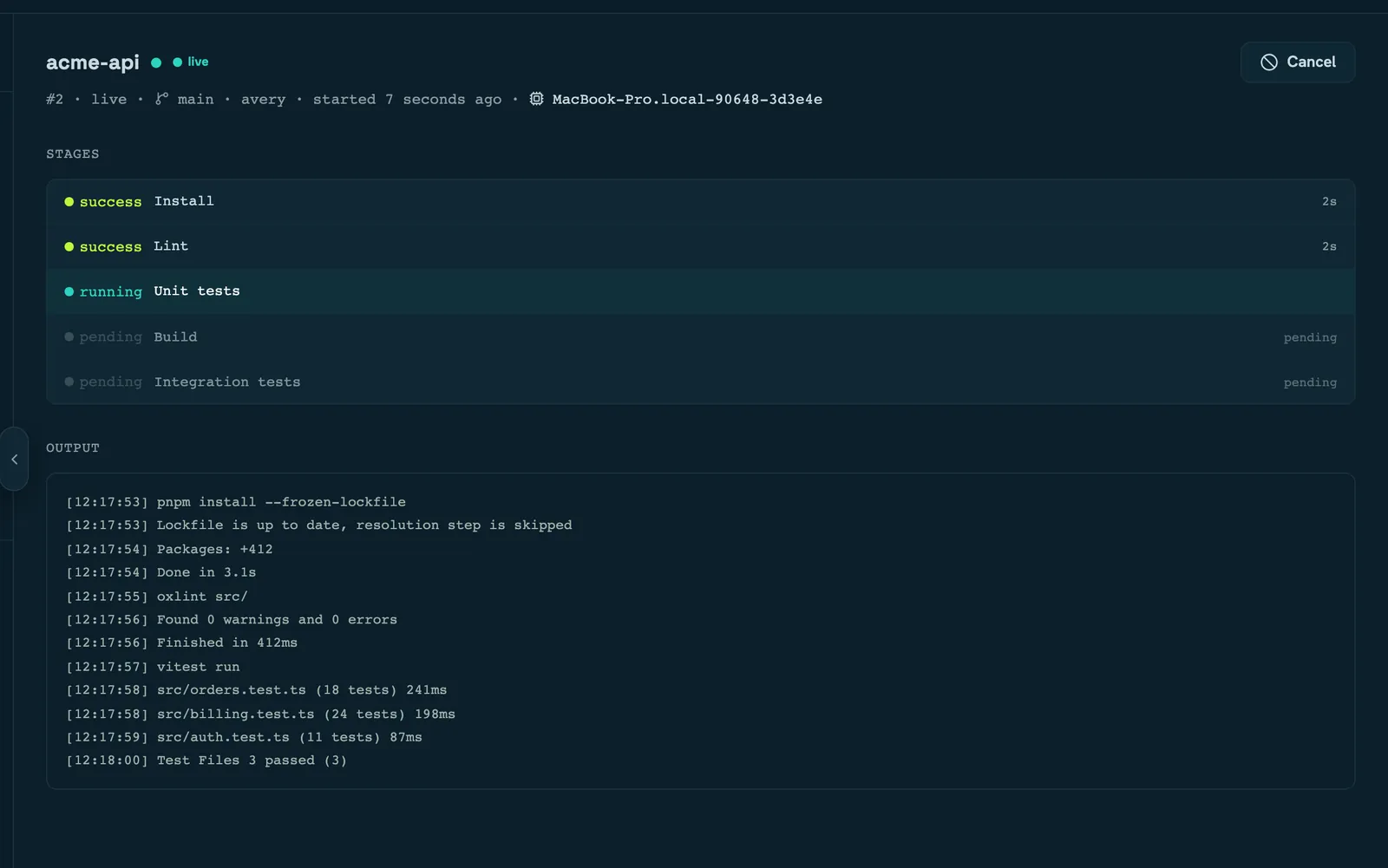
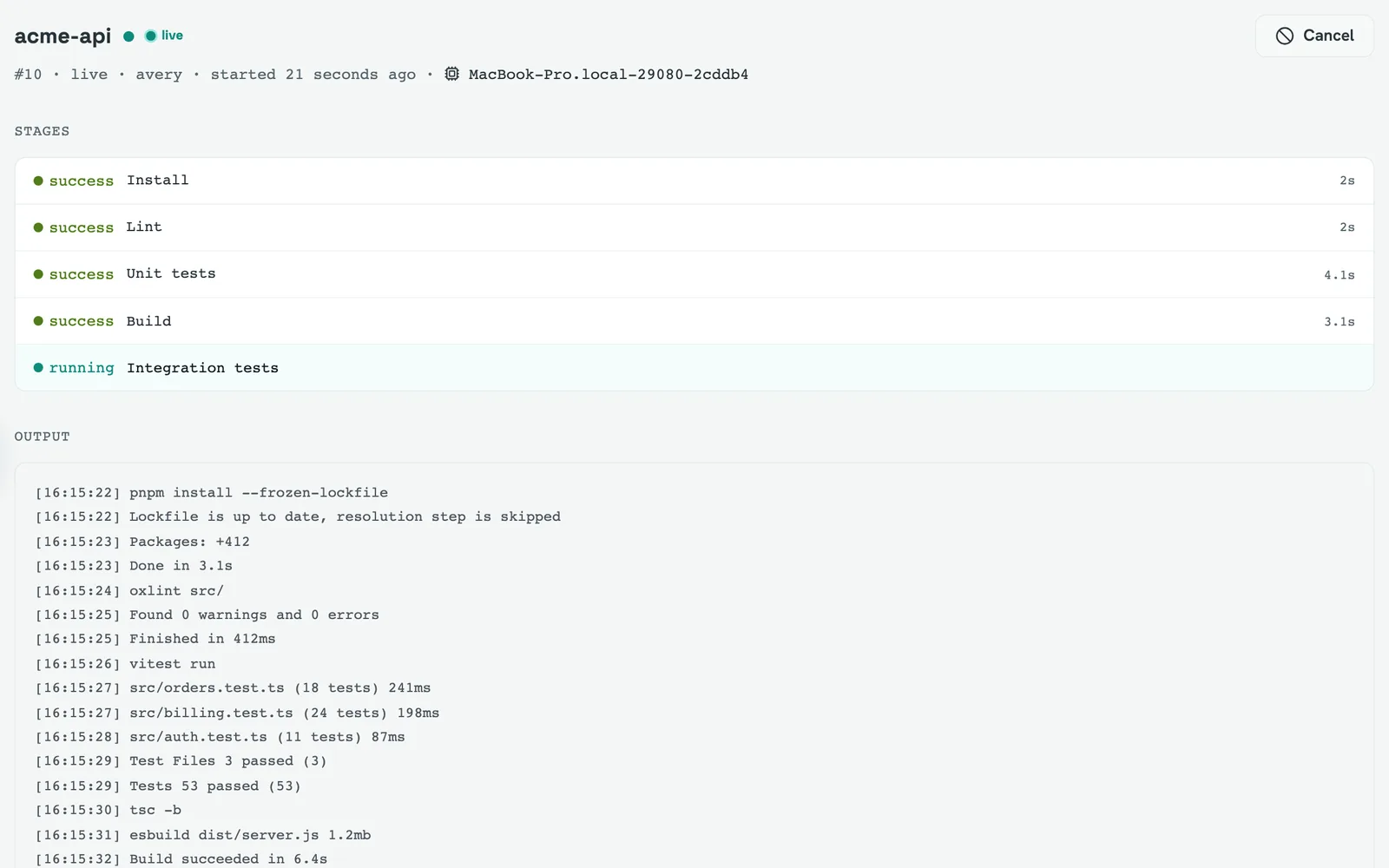
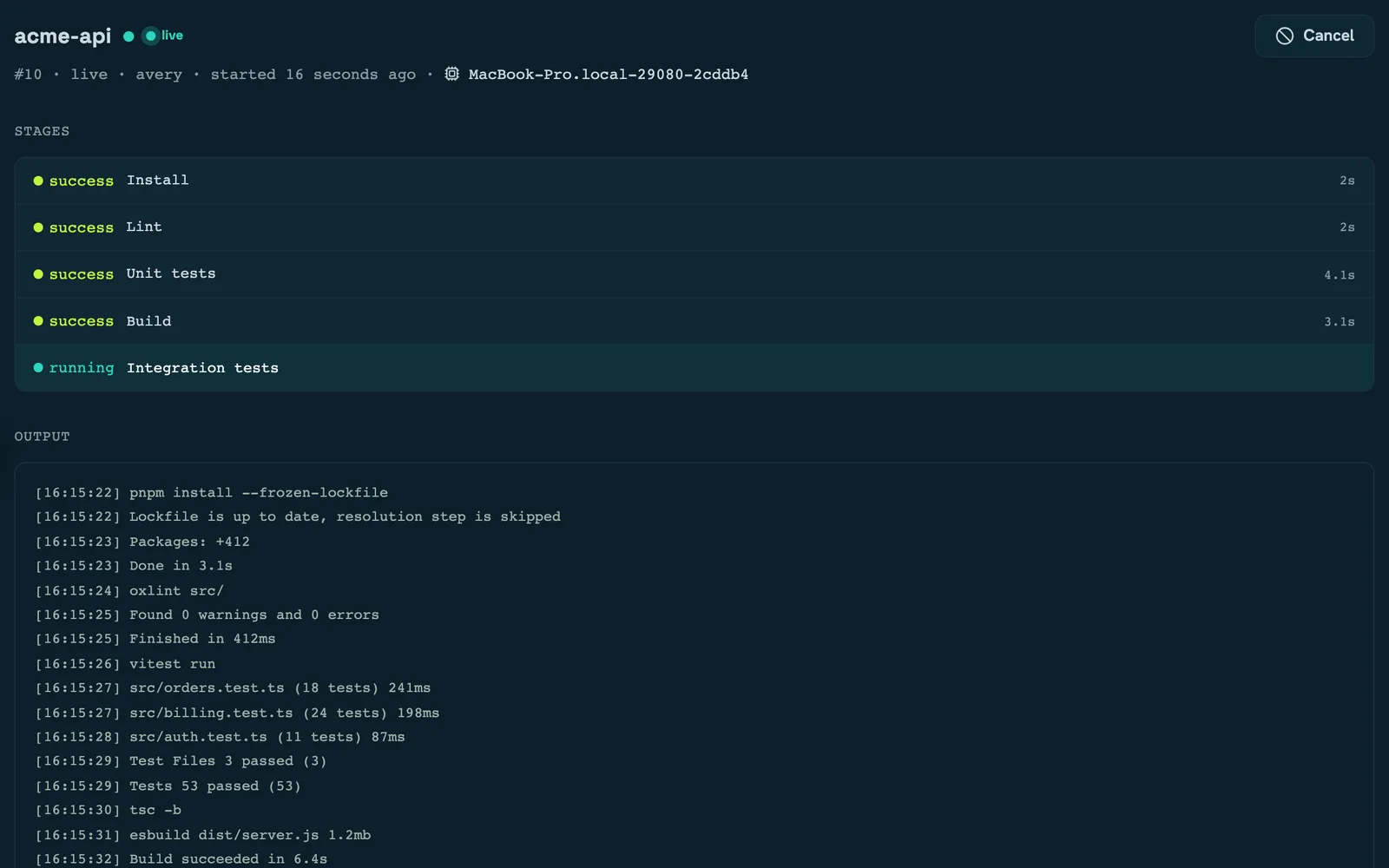
This is the thing to know about the run page: it renders two different views.
While the run is in flight you get a live console — a single merged log stream fed by a server-sent event connection, a flat list of stages as they start and finish, and the Cancel button. It is the only place Cancel appears.
Once the run is terminal the page becomes the record: a timeline of stage durations, per-stage collapsible logs, test results, artifacts, the compare and download buttons, and retry or replay. None of those exist while the run is live.
Two consequences. The live log is capped at the most recent 512 KB, so on a noisy run the beginning is dropped — the full text is there afterwards, per stage. And if the connection drops for good the page falls back to the terminal view rather than hanging; a brief interruption reconnects on its own and resumes exactly where it left off, because every frame carries a sequence number.
Logs
Three different paths, which is why they can behave differently:
- Live, over the event stream, authenticated by your session cookie.
- Per stage, fetched on demand in chunks when you expand a stage or ask for the full log. Only the tail is loaded inline.
- Whole run, as a single downloadable text file with every stage concatenated.
All three are gated on being able to read the run.
Cancelling
Cancel is not advisory. A queued run is cancelled immediately. A running one is flagged,
and its worker notices within about a second, then sends SIGTERM to the whole process
group of whatever is executing and SIGKILL two seconds after that if it hasn't exited.
So a stage dies mid-command rather than finishing, and the total is roughly three seconds from click to terminal. During that window the button reads "cancelling" and nothing else on the page moves — that's the poll interval, not a stuck request.
The run ends cancelled with exit code 130. Its stages read skipped, because they were
never given the chance to run.
Retrying and replaying
Whether you get Retry or Replay depends on where the run came from, and they are genuinely different operations:
- Retry applies to a project run. It starts a new run of the project as it is now — a fresh clone and the current configuration — so it can pick up a different commit than the run you retried.
- Replay applies to a run that was uploaded with its execution plan. It re-executes that exact stored plan, and it is re-checked against current policy first, so a plan that ran last month can be refused today.
Local runs vs server runs explains why a project run has no stored plan to replay. A run whose project has since been deleted offers Retry and fails — there is no project left to clone.
Who can do what
Triggering, cancelling and retrying all require the workspace's corresponding capability; reading a run and its logs requires only membership. Archiving a workspace removes every one of those capabilities, so you cannot cancel a running run in a workspace someone has just archived.
Uploaded runs — the ones with no project — are visible to instance admins only, and to anyone else the server reports them as not found rather than forbidden.
Read next
- Run results — tests, artifacts and comparison
- Projects — where a run's configuration comes from
- Members and roles — the capabilities named above