Projects
A project points the server at a git repository and a pipeline file inside it. Everything the control plane records — runs, logs, artifacts, history — hangs off one.
flow init scaffolds a pipeline.ts in a codebase, and
Project setup calls that "getting a project onto FlowWright".
This page is about the other one: a server-side resource in a workspace, which points
at a repository that may or may not already have a pipeline in it.
Your first one
From a workspace, New project, then:
- Name it, and give it a repository. Those two are the only required fields.
- Leave everything else blank. The pipeline file defaults to
pipeline.tsat the repository root, and dependencies are installed for you if there's a lockfile. - Save, then Run.
The run appears immediately, queued, and the console starts streaming as soon as a worker claims it. If nothing claims it, the run says so — that's usually a worker whose labels don't match, and Runs shows the queue state.
That is the whole loop. The rest of this page is what the other fields do.
The fields
Name and repository are required. Nothing else is.
Repository is free text. Whatever git clone accepts, this accepts — an HTTPS URL, an
SSH URL, or a path on the run host's filesystem. It is never validated when you save it;
a bad value surfaces as a clone failure on the first run. Note that stored credentials are
injected as an HTTP header, so an SSH URL bypasses them and falls back to whatever key the
host has.
Branch defaults to the repository's own default. Unlike the repository field it is validated, against a conservative subset of git ref names.
Pipeline file defaults to pipeline.ts, resolved from the root of the checkout.
Setup is a shell command run after checkout and before the pipeline file is read — so it is where dependencies come from. Leave it blank and the server picks one for you by looking for a lockfile in the repository root:
| Lockfile | Command |
|---|---|
pnpm-lock.yaml | pnpm install --frozen-lockfile |
yarn.lock | yarn install --frozen-lockfile |
package-lock.json | npm ci |
Checked in that order, first match wins, root only — a lockfile in a subdirectory isn't found, and a repository with no lockfile at all installs nothing.
Schedule is a five-field cron expression — minute, hour, day-of-month, month,
day-of-week — supporting *, a number, a range, a list, and /step. Named months and
weekdays, @daily-style macros, seconds and ? are not accepted. Sunday is 0, and 7 is
rejected. It runs in the server's local time, so a daylight-saving jump skips or repeats
an hour.
Priority orders the queue (higher first, default 0) and never excludes a run.
Max concurrent runs caps this project specifically; over the cap a run waits rather than
being dropped, so a slow project accumulates a backlog instead of skipping ticks.
Worker labels and capabilities decide which workers may claim the run. Required labels and capabilities are a hard filter — a worker must advertise every one. Preferred labels are only a tiebreak, and only within the same priority tier, and only if the worker matches all of them; a run with unmatched preferences still gets claimed by whoever is free. What labels mean is on Worker.
Clearing a field resets it to its default rather than leaving the previous value. That's deliberate — it's how you remove a schedule or a label requirement — but it means saving a half-filled form loses whatever you didn't retype.
Configuration is versioned
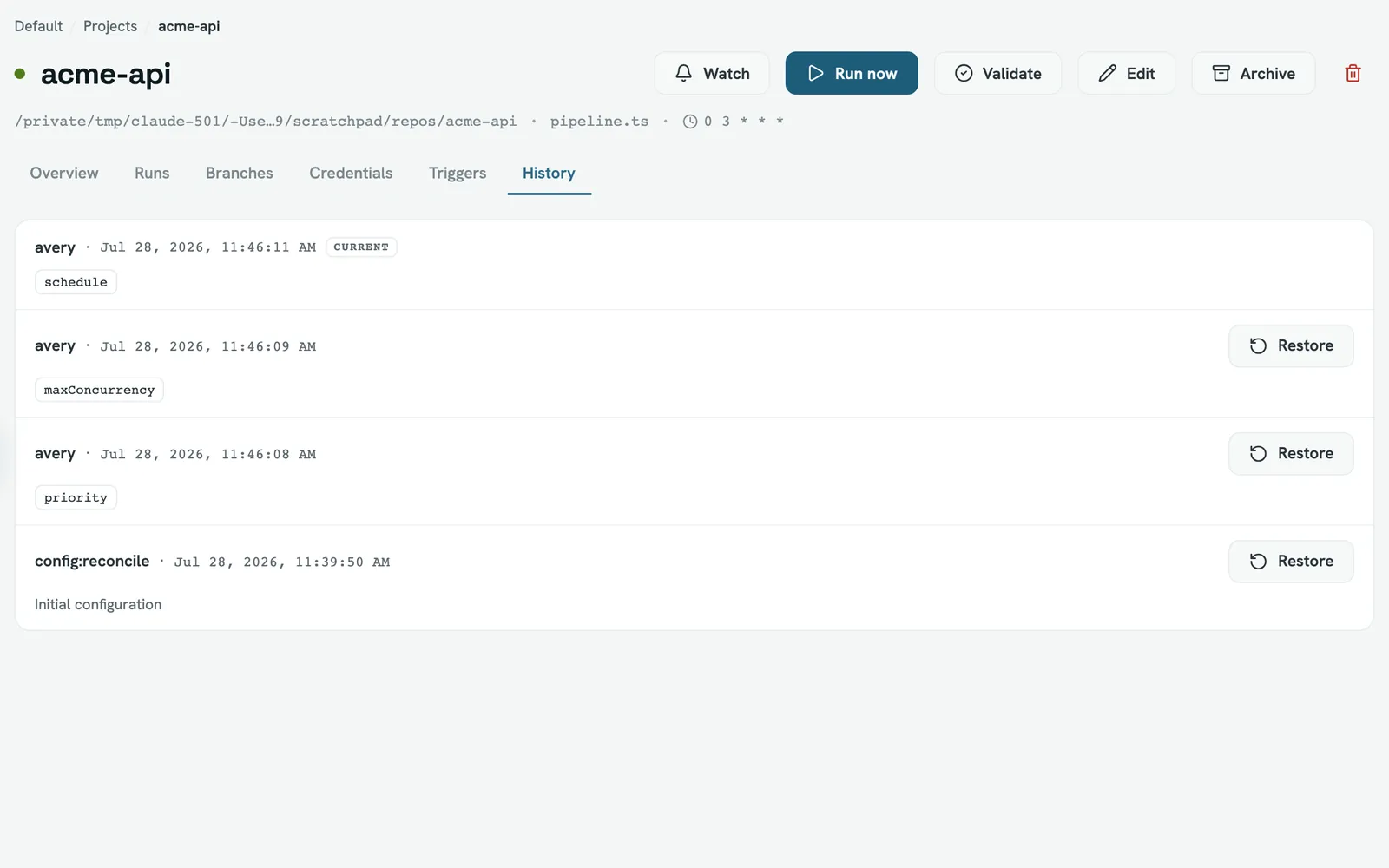
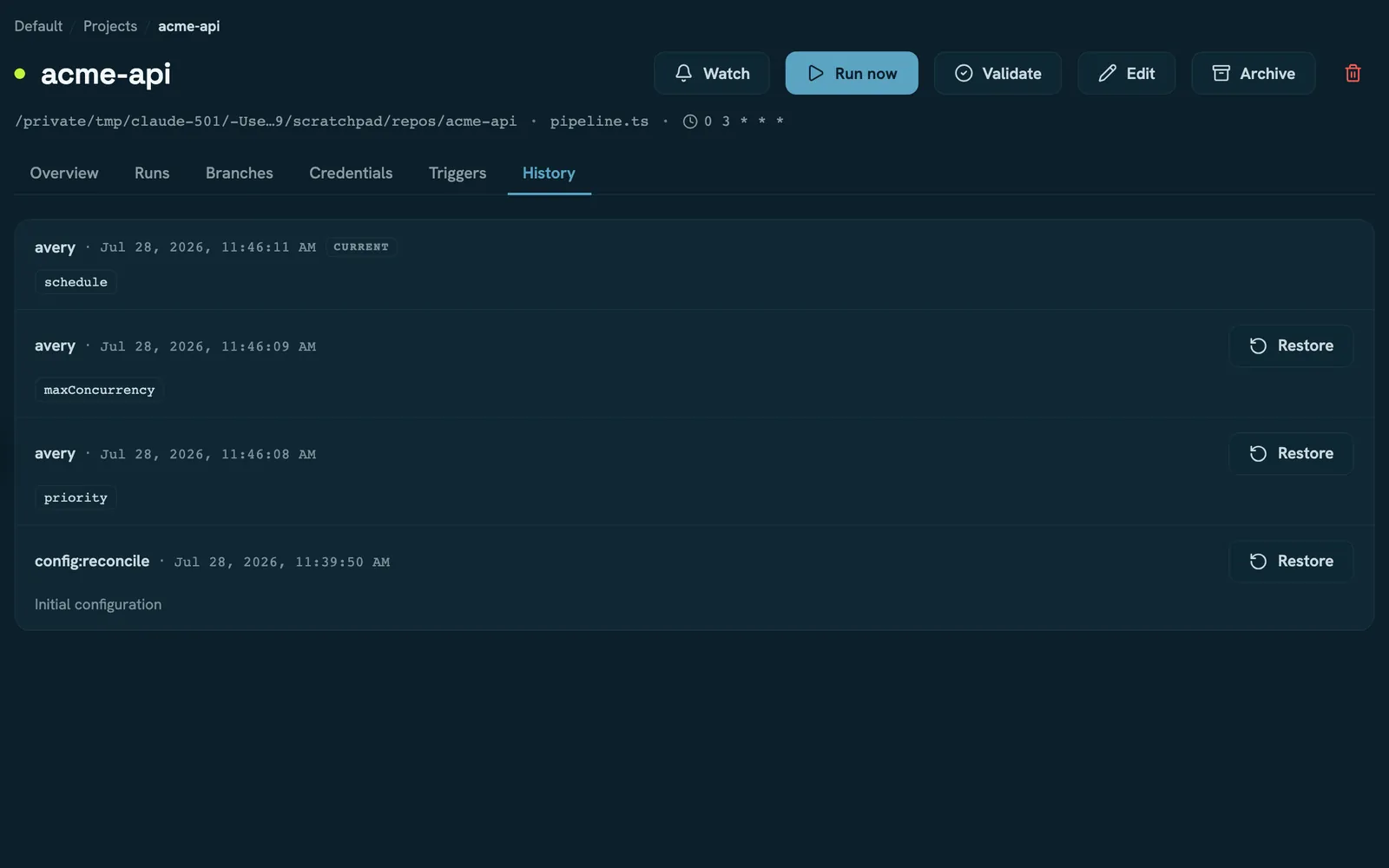
Every save snapshots the project's configuration — the eleven fields above — into an append-only history, including the first one. Restoring writes a new revision rather than rewriting the old one, so the history only ever grows.
Two consequences worth knowing. A restore goes through the same validation a normal save does, so a revision saved before a policy tightened will fail to restore. And a save that changes nothing still records a revision; the history marks it as having no changes.
Branches are runs, not refs
The Branches tab is not a listing of the repository. It is one row per ref the project's
own runs have targeted, with that ref's latest status. A branch nobody has ever built does
not appear, and a branch deleted upstream keeps appearing as long as its runs are retained.
Pull requests show as pr/123, or mr/123 on GitLab.
The health numbers are approximate
The overview's success rate and average duration are computed in your browser from the project's fifty most recent runs, not by the server. That makes them cheap and slightly lossy:
- On a busy project the "7 days" window is really "whichever of the last fifty runs fall inside 7 days".
- The average duration isn't windowed at all — it covers all fifty.
- Only successes and failures count. Cancelled runs are invisible to both numbers.
- Validation runs count as runs.
The workspace overview computes its own figures server-side over the real window, so the two can disagree. That's expected; see Workspaces for what the workspace numbers mean.
Archiving and deleting
Archiving stops a project. No scheduled runs, no manual runs, no retries, no validation. Everything stays readable and it can be reversed.
Deleting removes the project and its project-scoped credentials — and leaves its runs behind. They keep their logs and artifacts and stay in the workspace run list, but the project column falls back to a raw identifier because there's no project left to name, and they can't be retried. Archive unless you mean it.
Projects declared in the config file
resources.projects in the configuration file creates
and updates projects at boot. Three things about that are easy to get wrong:
- There is no "managed" marker. A declared project is an ordinary project; the UI will let you edit it with no warning.
- An omitted key means "the default", not "leave it alone". If your file declares a
project without
setup, and someone setssetupin the UI, the next boot clears it. The revert is recorded in the project's history under aconfig:reconcileactor, which is the only trace you get. - The name is the key. Rename a declared project in the UI and the next boot creates a second one under the declared name.
prune: true is instance-wideIt deletes every project not named in the file — across all workspaces, not just the ones the file mentions. Their runs are orphaned as described above.
Read next
- Runs — the console, the logs, and cancelling
- Run results — what a finished run leaves behind
- Integrations — linking a repository so pushes start runs
- Worker — what labels and capabilities mean