Members and roles
FlowWright has two role systems, and they are not the same grant.
The instance role — admin, member, viewer — is a property of the account. It
decides which routes the account may reach at all, and it is what
Authentication describes.
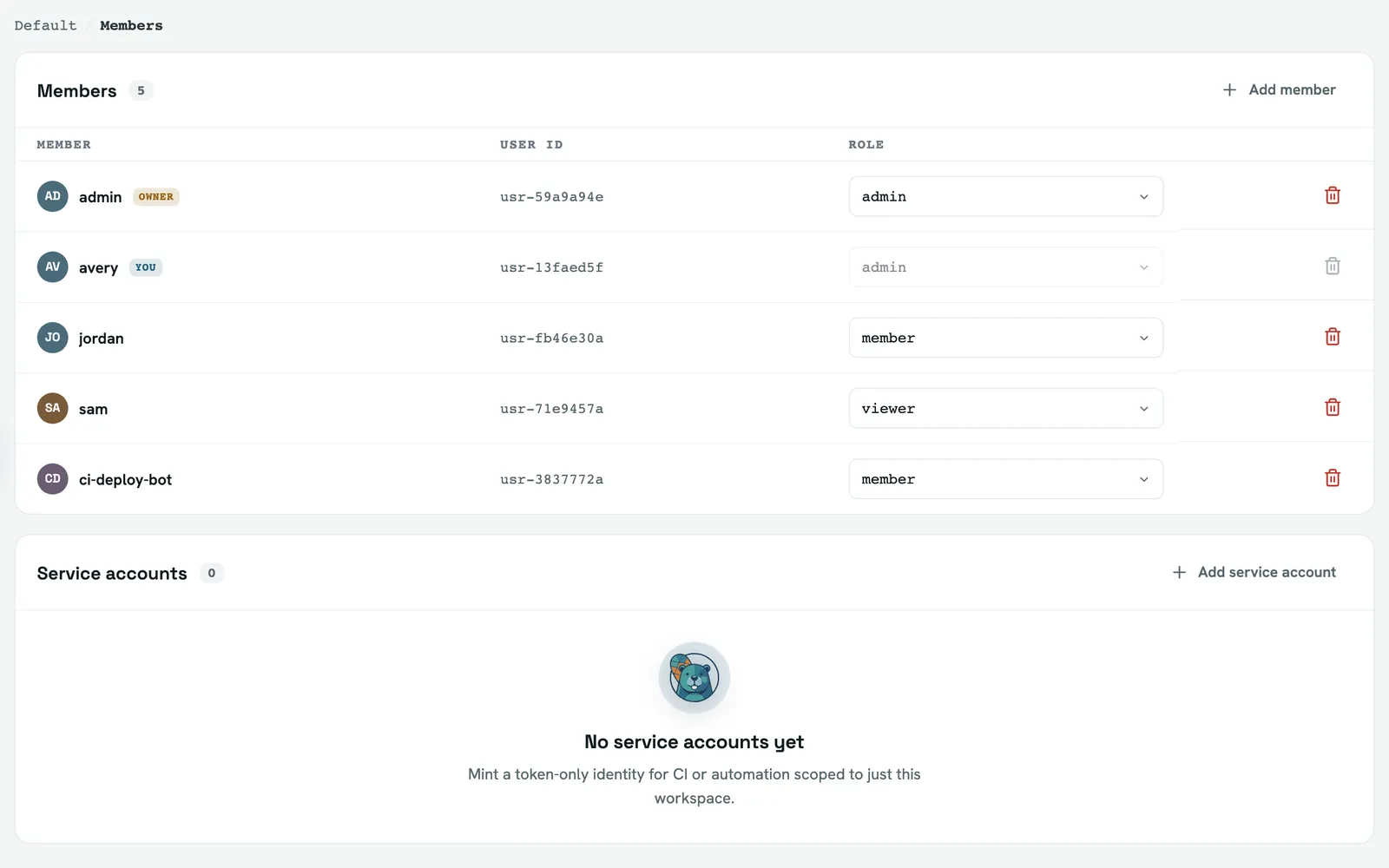
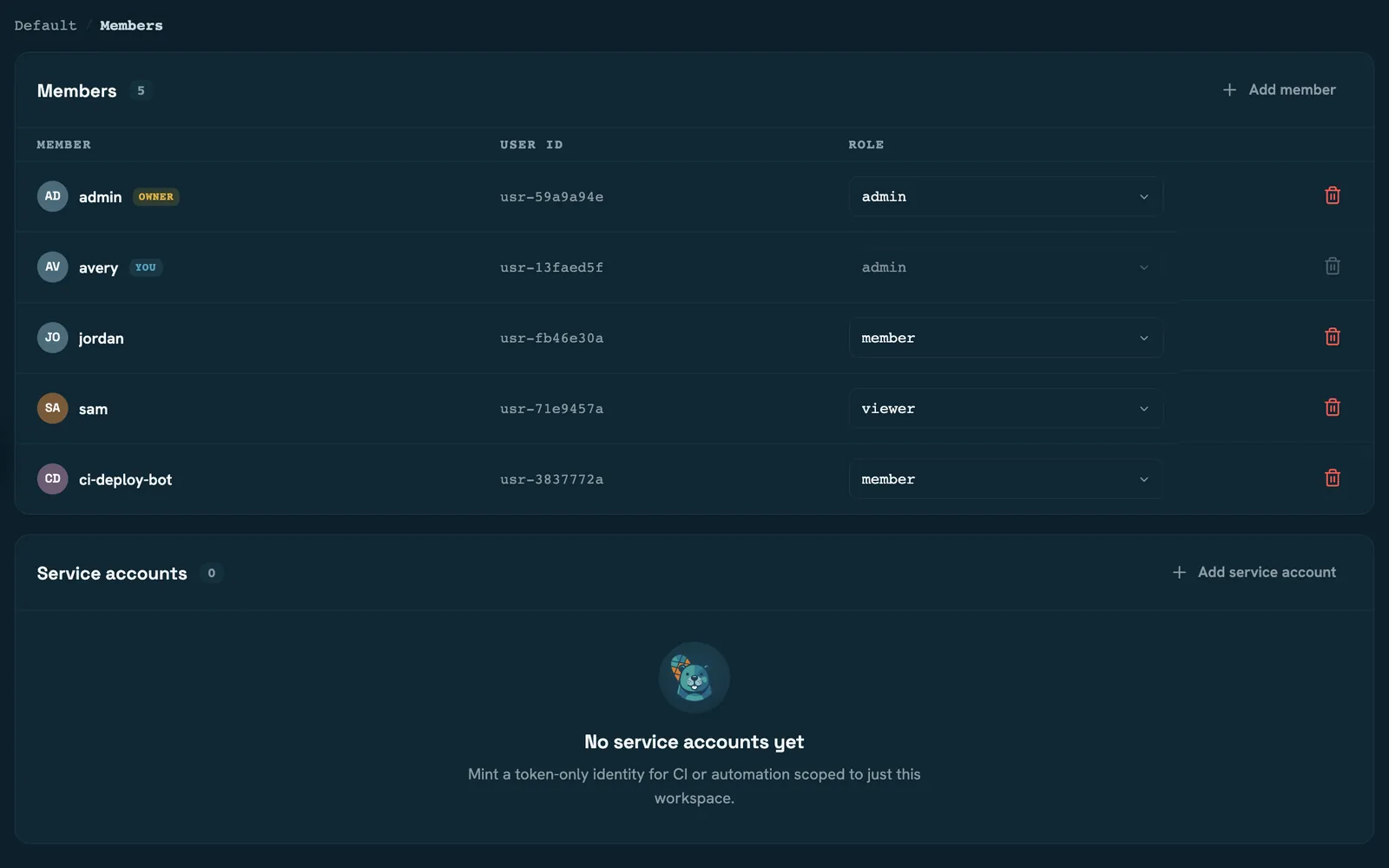
The workspace role — workspace_admin, workspace_member, workspace_viewer — is a
property of a membership, one per workspace. It decides what the account may do to that
workspace's projects, runs and credentials.
An instance member and a workspace_member share a word and nothing else. Someone can be
an instance member with no workspace membership at all, and see nothing.
What each workspace role can do
The server computes this for every request and hands it to the UI as a set of capabilities:
| Capability | Viewer | Member | Admin |
|---|---|---|---|
| Read the workspace and its activity | ✓ | ✓ | ✓ |
| Trigger, cancel and retry runs | ✓ | ✓ | |
| Create, update and delete projects | ✓ | ||
| Manage credentials, members, settings, integrations | ✓ | ||
| Archive and un-archive the workspace | ✓ |
The line that surprises people is the third: a workspace member can run a project but cannot change one. Editing configuration is an admin action, so the person who triggers builds all day may not be the person who edits them.
Every capability except reading and archiving is additionally gated on the workspace being unarchived.
Instance admins are everywhere
An instance admin is treated as a workspace admin in every workspace, with or without
a membership row. There is no workspace an instance admin cannot enter, and none they need
to be added to.
The mirror image is a workspace-scoped service account, which can reach exactly one workspace no matter what else is true of it. That check runs before the admin bypass, so scope always beats role: a scoped account cannot be made an instance admin, cannot be given membership in another workspace, and cannot see one in its own workspace list.
Adding someone
Adding a member takes an existing account's id. There is no invitation — no email, no pending membership, no link to accept. The account has to exist first, whether it was created in the admin area, through the API, or declared in the config file.
That means adding a person to a workspace is two steps, usually by two different people: an instance admin creates the account, a workspace admin grants the membership.
Changing a role is guarded in two ways worth knowing: you cannot change your own role, and
the last workspace_admin cannot be demoted. A workspace can't be locked out of its own
administration by a single click.
Service accounts
A service account is a password-less identity that authenticates with a bearer token. The token is shown once, at creation — only its hash is stored, so there is no way to read it back and rotating means issuing a new one.
Create it inside a workspace and it is scoped to that workspace, whatever role you asked
for: its instance role is forced to viewer and its effective permissions collapse to
workspace:read. Everything it can then do comes from its workspace membership.
That collapse is the point. A leaked scoped token reaches one workspace's data and nothing else — not the fleet, not the audit log, not another team's runs.
MFA
Multi-factor authentication is enforced by an instance-wide policy with three settings:
| Policy | Applies to |
|---|---|
optional | Nobody is required to enrol |
required_privileged | Instance admins, and admins of any unarchived workspace |
required_all | Every human account |
Service accounts are always exempt — there is nobody there to prompt, and bearer tokens never participate in an interactive challenge.
Raising the policy doesn't sign anyone out. Accounts without MFA keep their session and are required to enrol on their next request.
Read next
- Permissions — all twenty-one, and the eight that are hints to the UI rather than server-side gates
- Authentication — sessions, tokens and first boot
- Workspaces — what archiving freezes
- Runs — where those capabilities are felt day to day