Instance settings
Five tabs under Administration → Settings: Server, Security, Storage, Workers, Appearance. Plus one screen that isn't a tab — registering a source-control app — covered at the end.
The tab names hide two things worth stating up front. Email and Outbound proxy are not tabs: they are sections at the bottom of Server. And users are not a tab either — they have their own page.
Both the Email and Outbound proxy sections hide themselves entirely if their request fails. An absent section and a section you can't see look identical, so if one is missing, check the browser console before concluding anything about permissions.
What each tab holds
| Tab | Holds |
|---|---|
| Server | Public base URL, log level, config-as-code status, and — as sections — Email (SMTP) and Outbound proxy |
| Security | Authentication mode, MFA policy, registration mode |
| Storage | Artifact usage and cache figures, the three retention limits, and the Run-GC button |
| Workers | The fleet, plus worker identities and their enrollment tokens |
| Appearance | Your own theme and timezone, and the instance defaults for theme, language and timezone |
Appearance mixes two audiences on one screen: the theme swatches and timezone at the top are yours, per device; the defaults below them are instance-wide and every admin change there asks for confirmation.
Where a setting's value comes from
A setting can be set three ways — in the config file, in this UI, or from the environment at boot — and the rules for which wins are the reason this page exists. They are three behaviours, not one:
| Situation | What happens on reload |
|---|---|
| The config file declares the key | The file's value is applied and overwrites any UI edit |
| The file stops declaring a key it used to | The value reverts to the environment or boot default |
| The file never declared the key | A UI edit stands, indefinitely |
The third row is the one people get wrong. Reload does not reset the instance to the file — it reconciles only the keys the file actually mentions.
The UI marks a value it knows came from the file. It does not distinguish a value you set here from an environment default, so "no marker" means "not file-managed", not "untouched".
Live versus restart
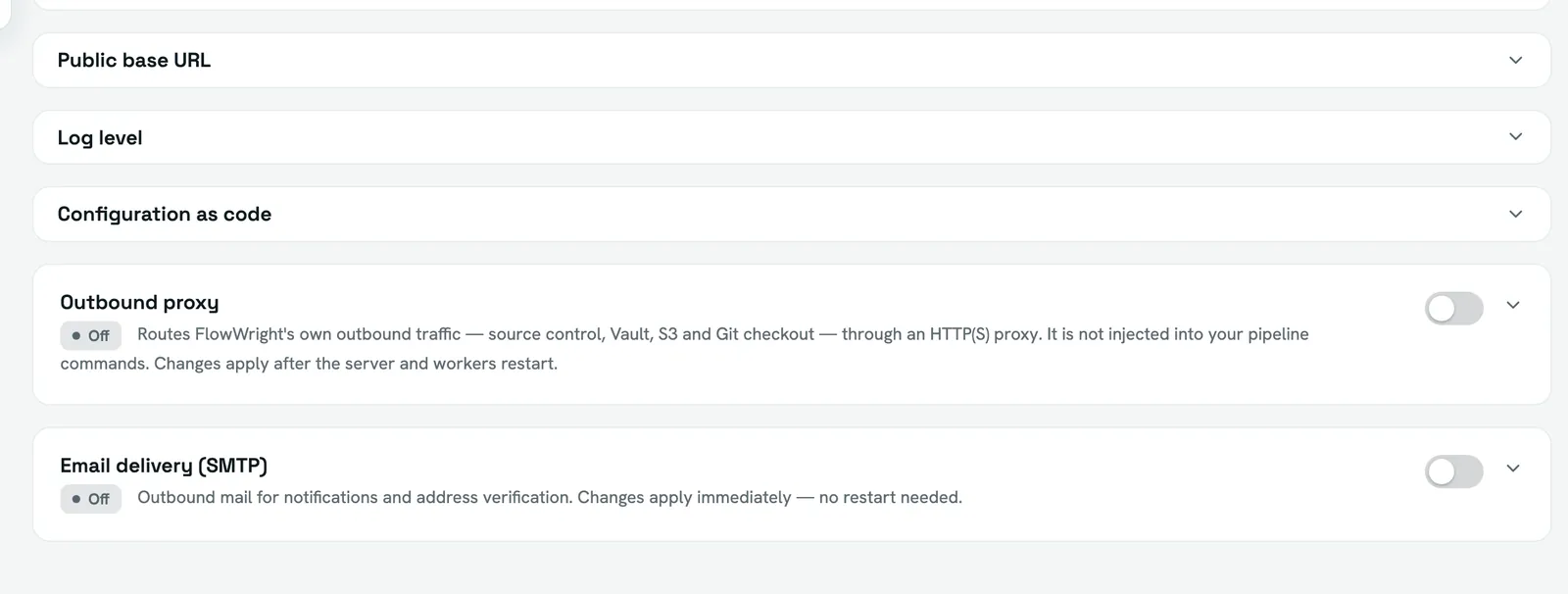
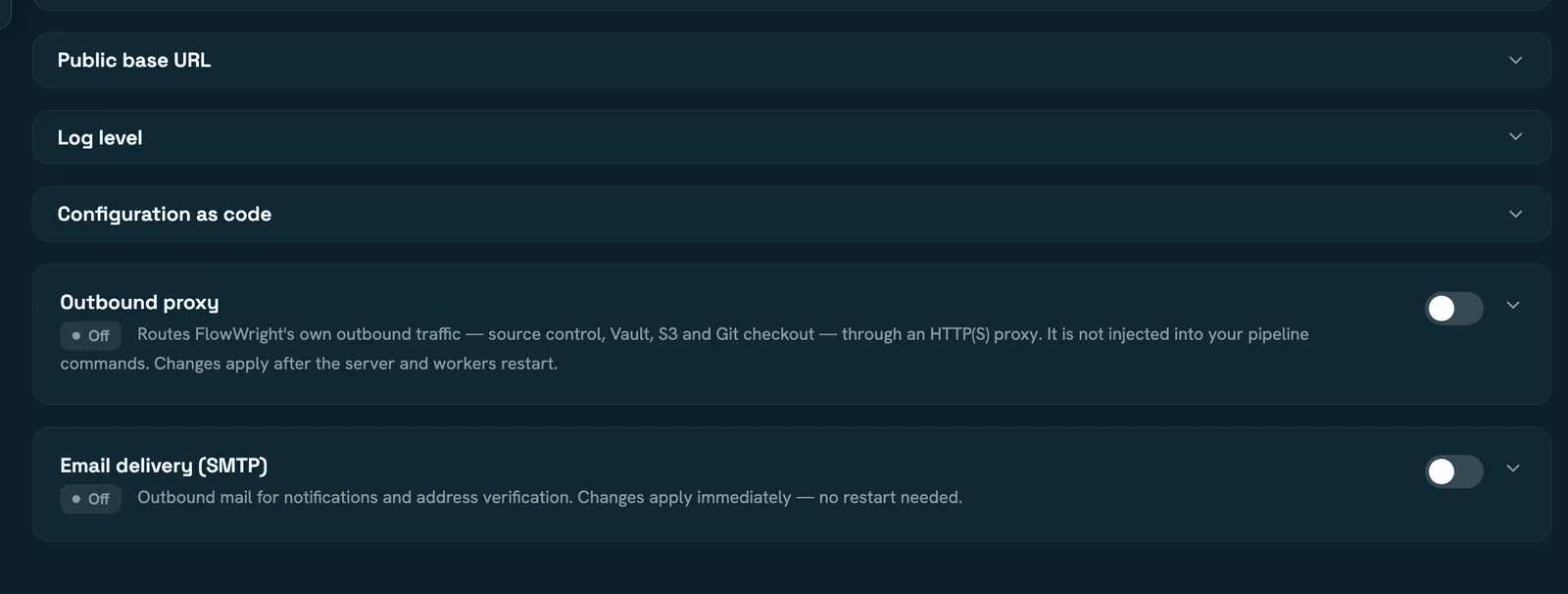
Most operational settings apply immediately: authentication mode, MFA policy, registration mode, the public base URL, log level, concurrency, retention, and the appearance defaults.
These are read only at startup, and a reload will tell you so rather than pretending:
infra.portsecurity.secretKey,security.webhookSecret,security.metricsTokendatabaseandartifactsnotifications.emailandinfra.outboundProxy
A reload lists notifications.email and infra.outboundProxy as restart-required and
does not apply them — it doesn't rebuild the mail transport or the outbound context
under live traffic. Reporting them is the honest answer; acting on them needs a restart.
SMTP is stricter than the general rule
Email configured in this UI applies immediately, with no restart — an admin can turn mail on for a running instance.
Email configured in the config file does not, and it goes further than "the file wins next reload": while a file declaration exists, the UI refuses the edit outright. The form is read-only and the API rejects the write.
And removing the declaration does not restore what was there before it:
It hands the setting back to the UI disabled, not reverted to a prior UI configuration. If you move email from the file to the UI, expect to re-enter it, and check that notifications are actually sending afterwards.
Registering a source-control app
Under Administration → Source control. This is the instance-admin half of Integrations — done once, by an operator, before any workspace can connect anything. You can register more than one app per provider.
For a GitHub App: the app id, the app slug, a private key and a webhook secret. Optional: a base URL for GitHub Enterprise, and an OAuth client id and secret.
For a GitLab OAuth application: the application id and the client secret, plus a base URL for a self-managed GitLab.
Secrets are write-only. They are never returned — the form shows only that something is stored, and leaving a secret field blank means "keep the existing one". Clearing a secret is not the same as blanking the field.
The three URLs to paste back
Once saved, the card shows three URLs for the provider's own settings:
| URL | Registers as |
|---|---|
| Setup / callback (GitHub) or Redirect URI (GitLab) | Where the provider returns after an installation |
| Account link callback | Where it returns when a user links their personal account |
| Webhook | Where the provider posts events |
All three matter. Registering the install callback but not the account-link one produces a setup that installs fine and then fails when someone links their account — a failure that shows up much later than the mistake.
The URLs are derived from the server's external base URL, never from request headers. Until it is set on the Server tab, the card shows a link to go and set it instead of a URL, and the OAuth flows are broken rather than merely undisplayed.
What the card's status actually means
A provider marked configured means a secret is stored. It does not mean the credentials work — an app with an invalid private key reads as configured.
Test connection is GitHub-only. On GitLab it reports as a failure, because an OAuth application has no way to verify itself without a user flow. On GitLab, treat a successful connect from a workspace as the real test.
Read next
- Administration — users, workers, announcements and operations
- Configuration — the config file these settings interact with
- Integrations — the workspace half of source control