Administration
Everything under /admin is instance-wide: it applies across every workspace and is not
scoped by membership. Instance settings covers the
configuration screens; this page covers the people, the fleet, the banners and the
operations.
Who gets in
The admin shell checks one thing — your instance role is admin. That is a plain role
check, unlike the rest of the app, which gates on capabilities and never infers authority
from a role string. See Members and roles for the
distinction.
A non-admin who types an /admin URL is redirected to the home page. No error, no
message, no forbidden screen — the page simply doesn't appear. Worth knowing before you
conclude a link is broken.
The shell is not the real control. Every admin API is separately permission-gated on the
server — settings:admin, users:admin or worker:identity — and the destructive ones
additionally require a recent re-authentication, so an old session can't quietly create
users or rotate tokens.
Users and service accounts
Two lists on one page: people, and machines.
Creating a user returns an API token and a temporary password, both shown once. The account is flagged to change its password at first sign-in. Capture them then — nothing in FlowWright can show either again.
There is no admin password reset. That temporary password at creation is the only one the product ever issues. A user who is locked out and can't reset their own password needs their account recreated.
The other row actions are role change, API-token rotation, MFA reset and delete. MFA reset appears only for a user who actually has MFA enabled, and never for yourself.
Four rules are enforced on the server, not just greyed out in the UI:
- you cannot change your own role,
- you cannot demote the last admin,
- you cannot delete your own account,
- you cannot delete the last admin.
So an instance can never be left with nobody who can administer it.
Service accounts are created with a scope — the whole instance, or one workspace — and never have a password. A workspace-scoped account cannot be an instance admin; it is forced to the lowest role and can reach only its own workspace, which is what makes a leaked service token a contained problem rather than an instance-wide one.
The worker fleet
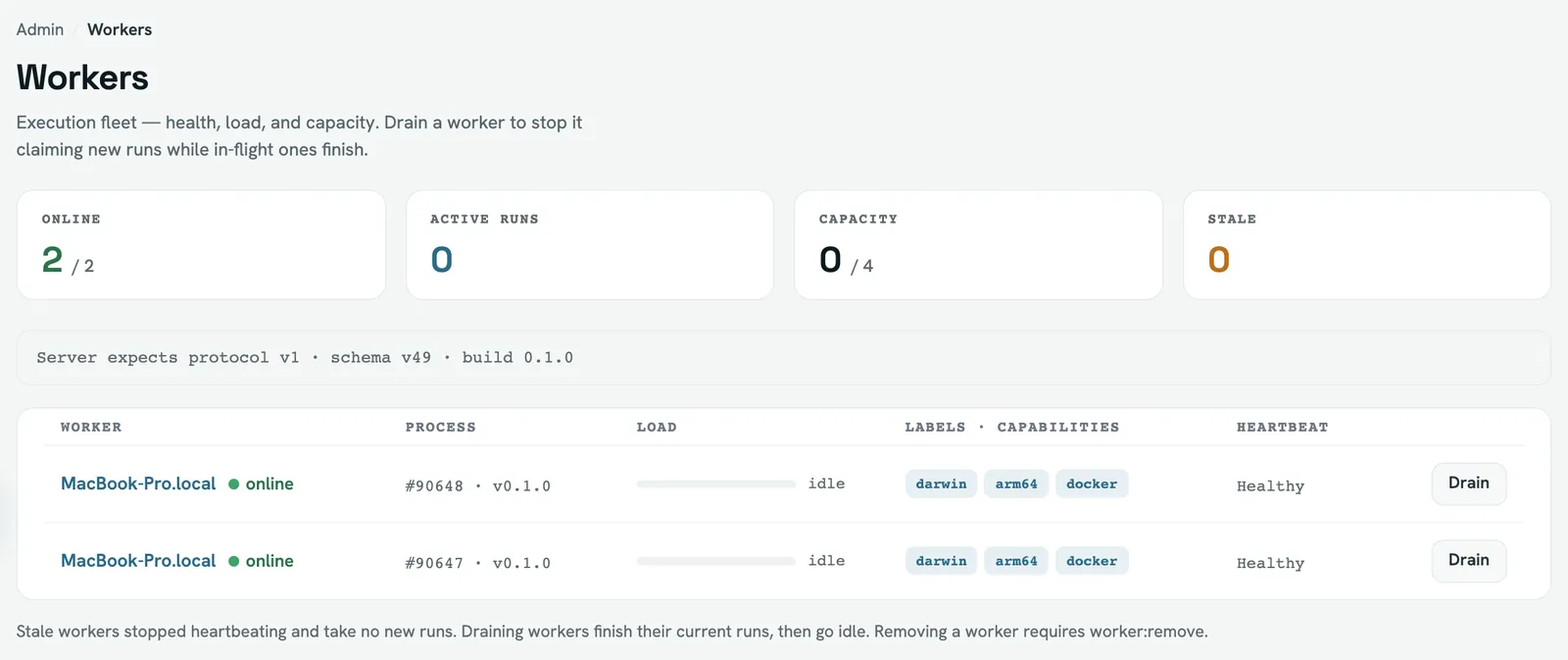
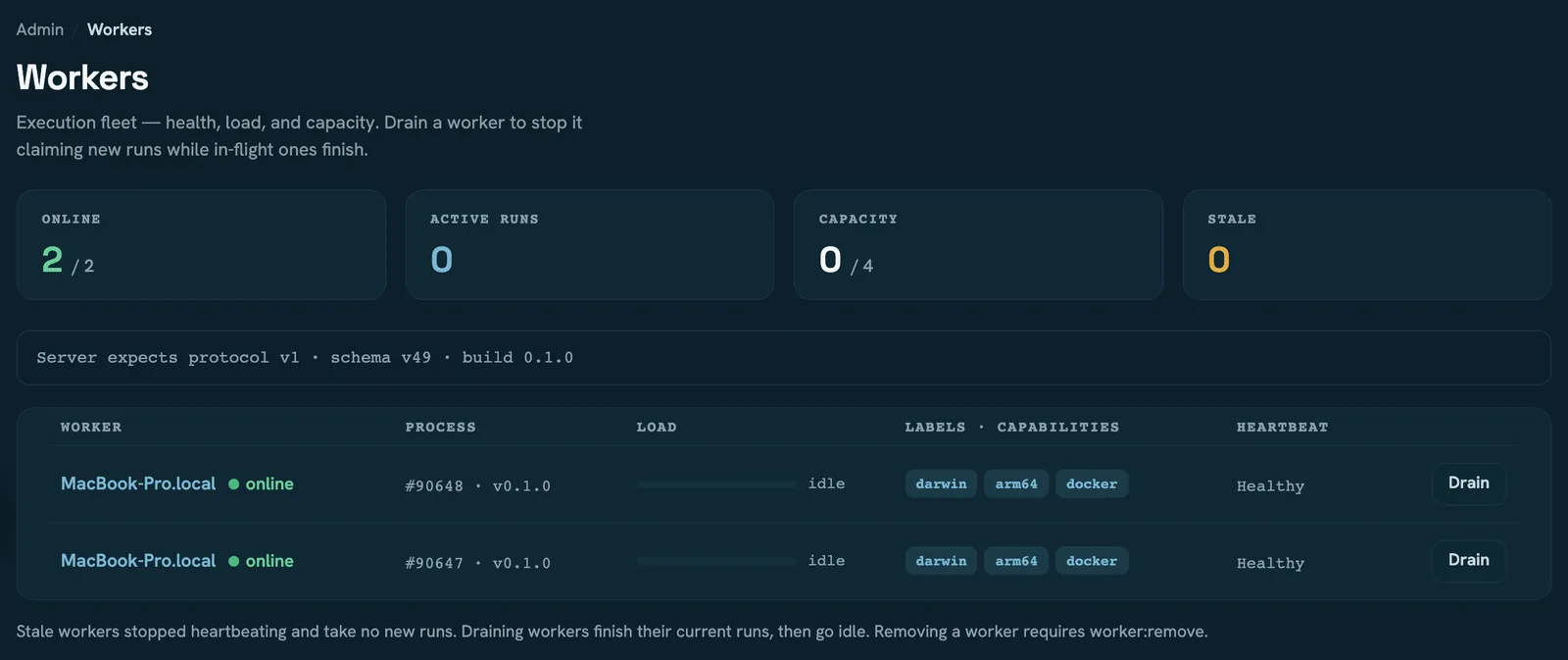
Three actions: drain, resume, remove.
Drain never kills a running job. The worker stops claiming new runs and finishes what it already has. Two properties follow from how it works — it is a flag the worker notices on its next heartbeat, so it takes effect a moment later rather than instantly, and it does not survive a worker restart: a drained worker that restarts comes back claiming runs.
Remove is a hard delete from the fleet inventory, offered once a worker has stopped reporting. It doesn't stop a process — if the worker is actually alive it reappears the next time it registers.
A worker whose protocol version the server doesn't support shows as incompatible. It claims nothing; upgrade it or remove it.
Going stale also raises a worker.heartbeat_lost
notification to instance admins, once per outage.
Worker identities — the enrollment tokens that let a standalone worker prove which labels it may be trusted with — are not on this page. They live in the Workers tab of Instance settings, and revoking one takes effect when that worker next registers, not immediately.
Announcements
A banner shown under the top bar to every signed-in user: a level, an optional title, rich text, an optional schedule window, optional target roles, and whether it can be dismissed. Leave the roles empty to show it to everyone.
Two things behave differently from what people expect:
- Dismissal is per device, not per account. It is remembered in the browser, so the same person sees the banner again in another browser, and clearing site data brings it back.
- Editing an announcement re-shows it to everyone who dismissed the previous version. That is deliberate — an edited message is a new message — but it means an edit is not a quiet correction.
A non-dismissible banner has no close control at all. Users cannot hide it.
Start and end times are interpreted in the timezone of the browser that authored them, not the instance default. If you schedule from a different timezone than your instance, convert first.
Instance operations
Three actions that apply to the whole server.
Garbage collection enforces the retention policy now instead of waiting for the next sweep. It prunes only terminal runs, and only where a limit is actually configured — with no retention policy it does nothing, which the Storage tab reports. Retention itself is an operations subject.
Reload configuration re-reads the config file. It is the equivalent of sending the
server SIGHUP, for operators who have the UI but not a shell. A bad file is not fatal: the
running configuration survives and you get an error back. What reload does and does not
apply is on Instance settings.
Backup streams a consistent snapshot of the database.
There is no button. It is GET /api/admin/backup with an admin token, and it downloads the
database file. On a deployment backed by PostgreSQL the endpoint returns 501 — take
backups with your database's own tooling instead. Artifacts and logs are not included in
either case; they live in the artifact store.
Read next
- Instance settings — the configuration screens and what needs a restart
- Members and roles — instance roles versus workspace capabilities
- Audit and activity — every action here is recorded