
Pipelines you can read like code.
FlowWright is a local-first, TypeScript-native pipeline engine. Author one typed pipeline.ts and run it on your laptop, inside your existing CI, or on a server you host.
- MIT licensed
- Node 24+
- No YAML
- Self-hosted

Start here
Your first pipeline
Install the CLI, scaffold from the package scripts you already have, and watch a run stream in your terminal.
→ Requirements & install→ flow init→ flow run02 · Understand itHow the model works
How a pipeline.ts becomes an execution plan, and who is allowed to run one.
→ Architecture→ Local vs. server→ The plan contract03 · Operate itHost it yourself
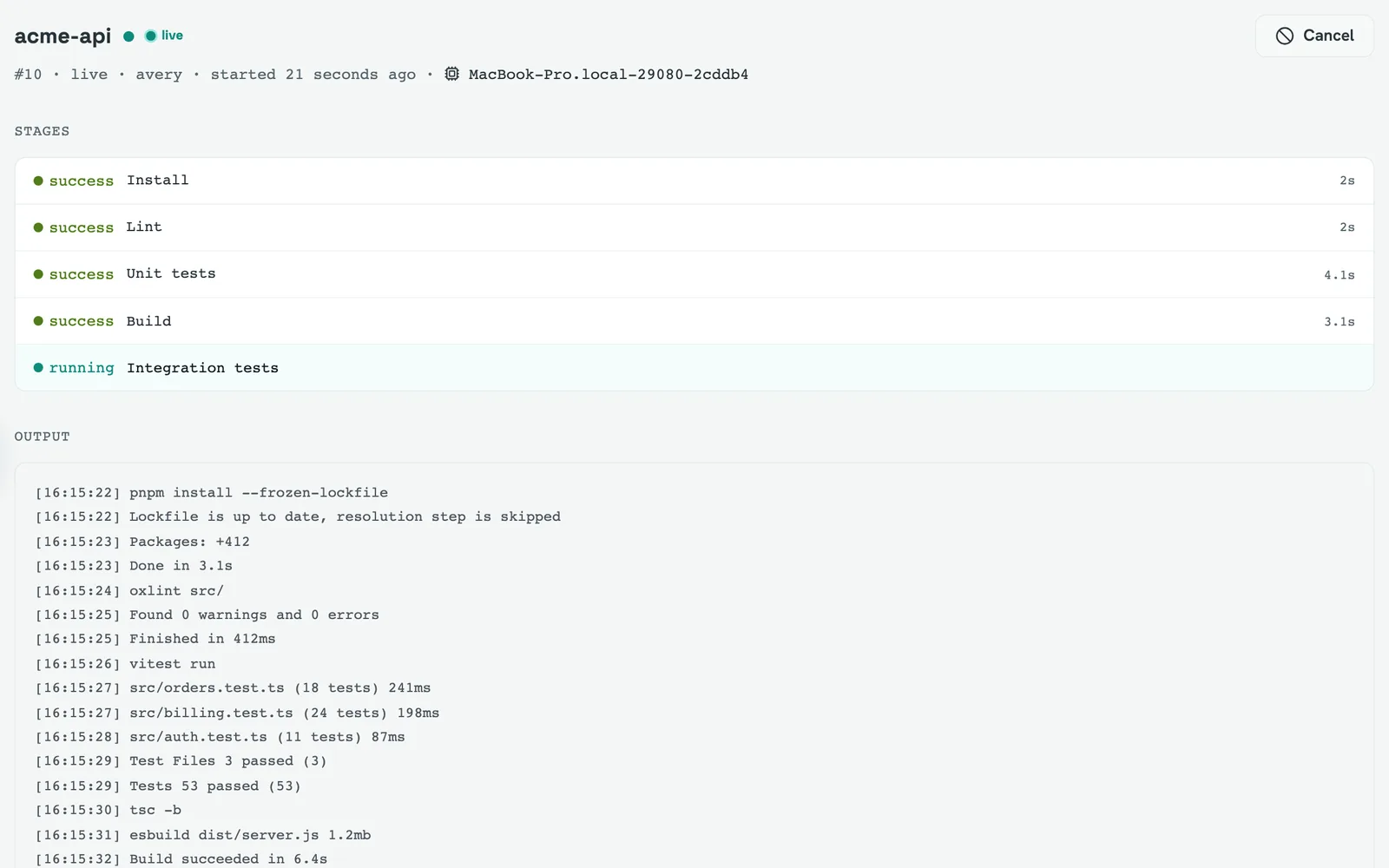
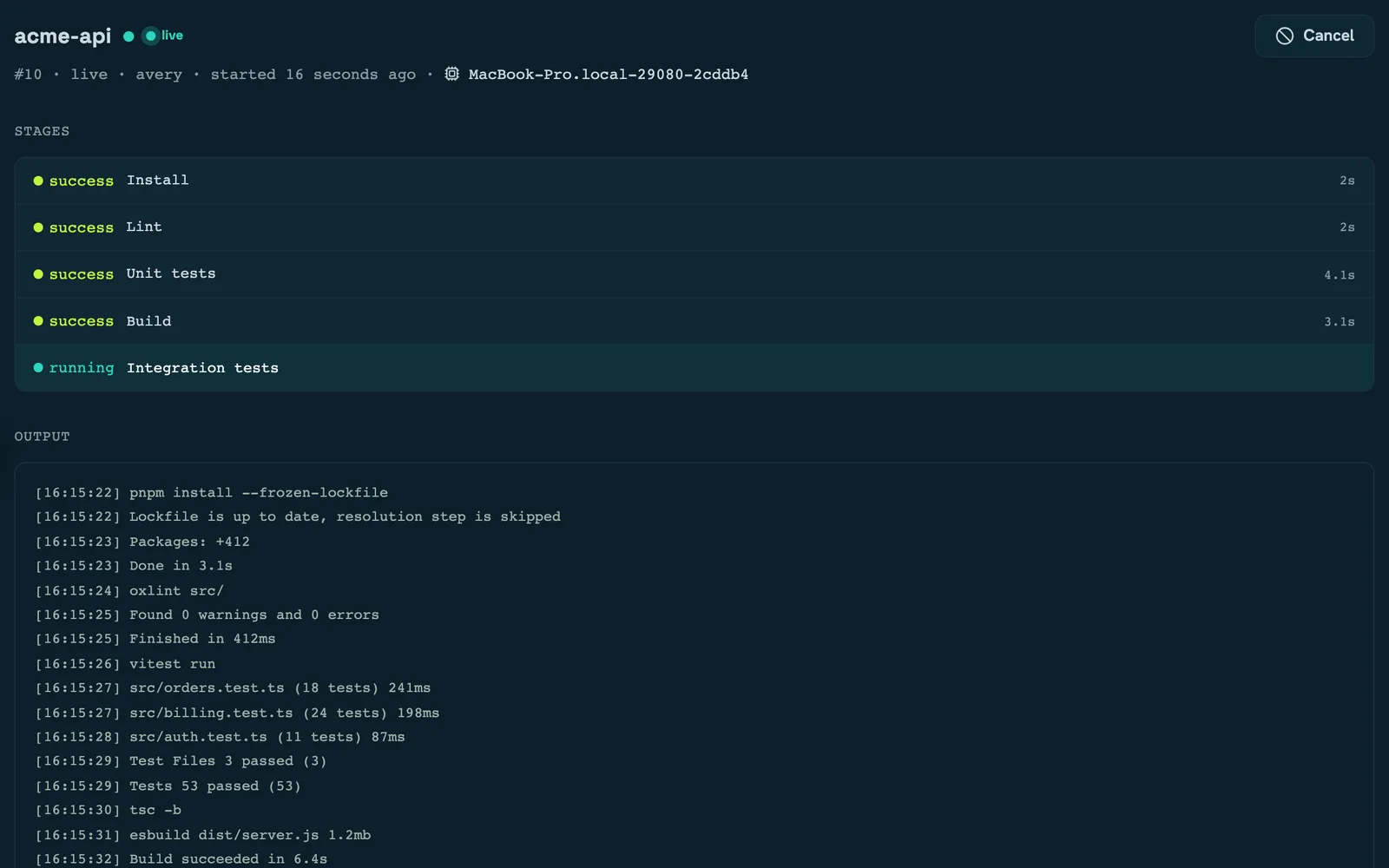
One image, two daemons. Bring up the server and a worker pool, then keep the record.
→ Docker Compose→ Authentication→ OperationsEvery section
Quickstart
1 pageInstall the CLI and run your first pipeline.
Concepts
2 pagesHow a pipeline.ts becomes a plan, and who is allowed to run it.
The flow CLI
6 pagesEvery command, flag and exit code.
Authoring pipelines
9 pagesThe pipeline.ts DSL, end to end.
Plugins
8 pagesSeven shared libraries of stage helpers.
Running in CI
4 pagesFlowWright as the body of your existing CI job.
Self-hosting
7 pagesOne image, two daemons — server and workers.
Control plane
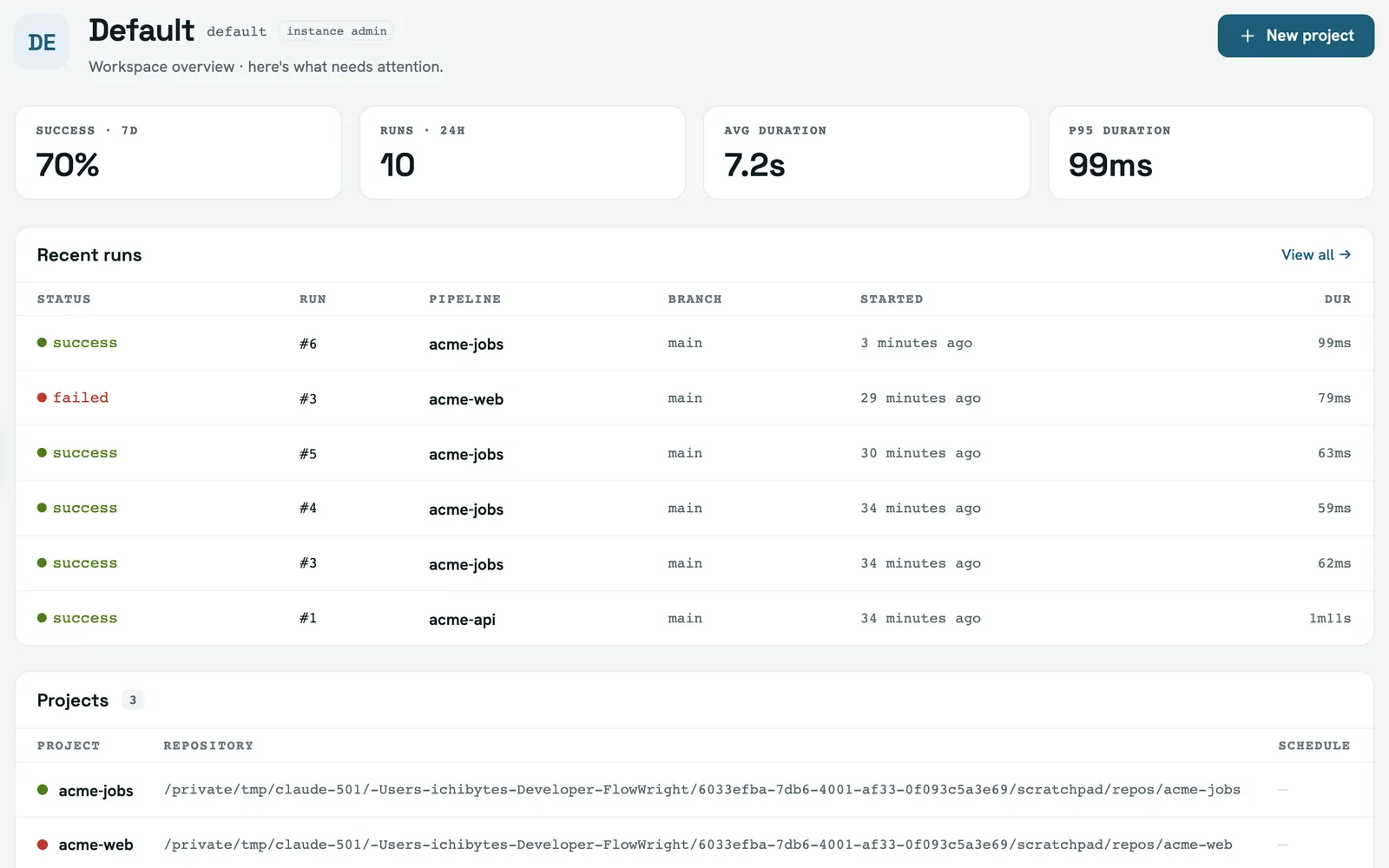
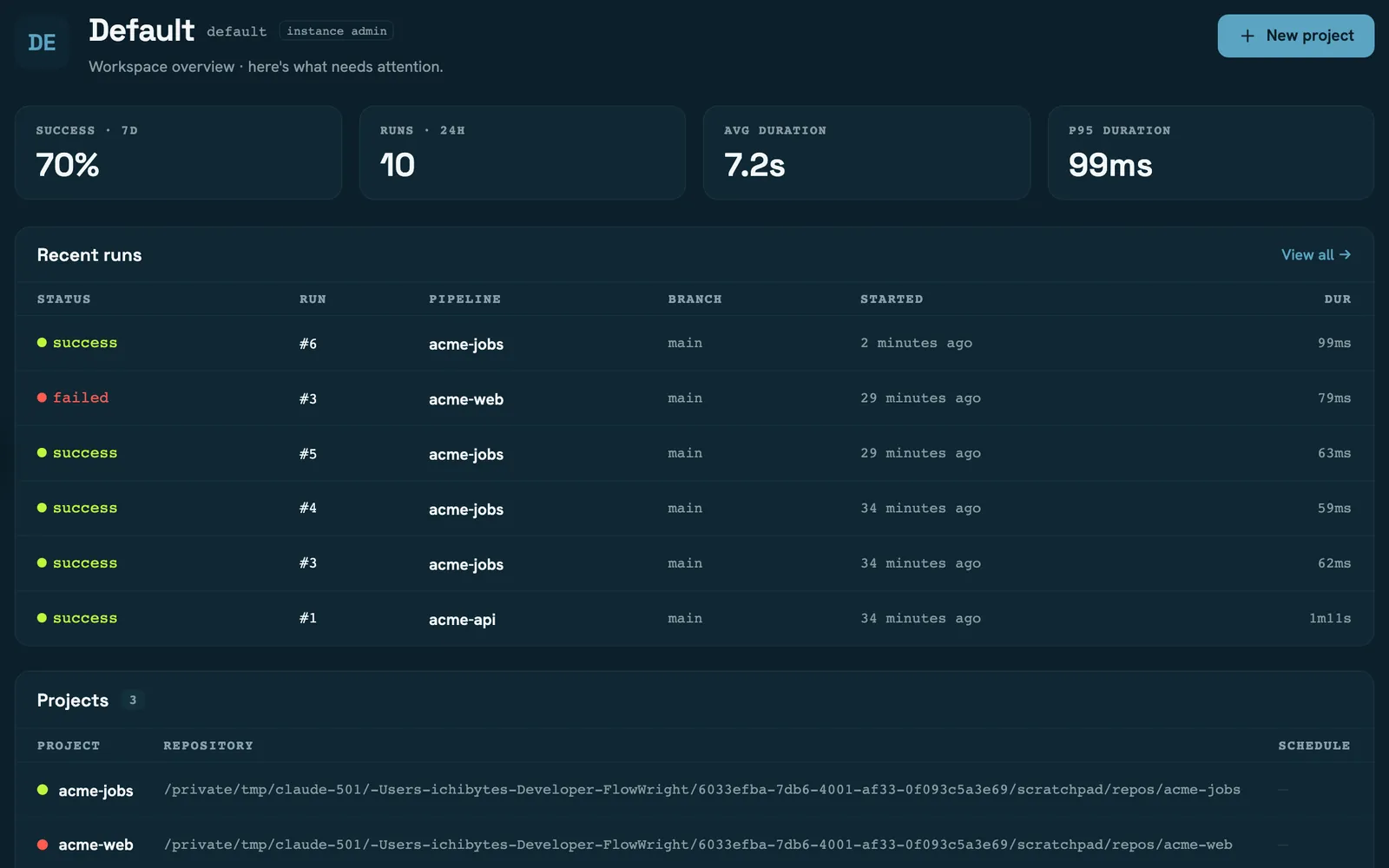
12 pagesUsing the server's web app — workspaces, projects, runs and administration.
Reference
6 pagesFlat lookup tables for the five stable surfaces.
A stage is a function. Nothing more.
Dependencies, matrices, conditions, containers and caches are all typed arguments — so your editor autocompletes your pipeline and tsc catches the mistake before a runner does.
- Real control flow —
needs,whenand matrix expansion, in TypeScript. - The same file runs locally, in GitHub Actions, GitLab CI or Jenkins.
- Every run emits a typed event stream you can replay and audit.
import { pipeline, stage, sh } from "@flowwright/core";

export default pipeline({
  name: "acme-api",
  stages: [
    stage("Install", async () => {
      await sh(["npm", "ci"]);
    }),
    stage("Test", {
      needs: ["install"],
      run: async () => {
        await sh(["npm", "test"]);
      },
    }),
  ],
});
Pipeline: acme-api

  install
      $ npm ci
  test ← install
      $ npm test
Official plugins
Plugin overview →Flat lookup tables, no prose.
Five surfaces we keep stable across minor versions — and a CI check that fails when the engine adds an event or an error code that no page describes.
The control plane you host
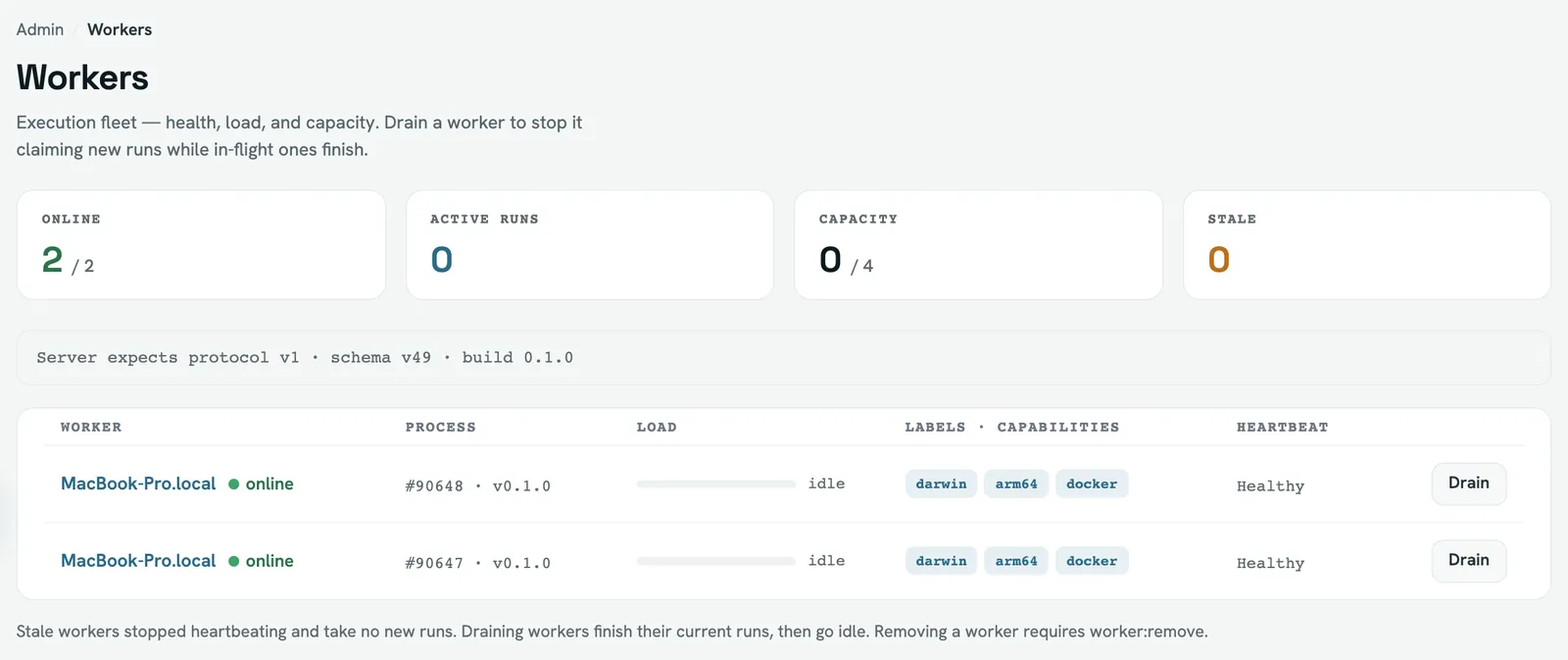
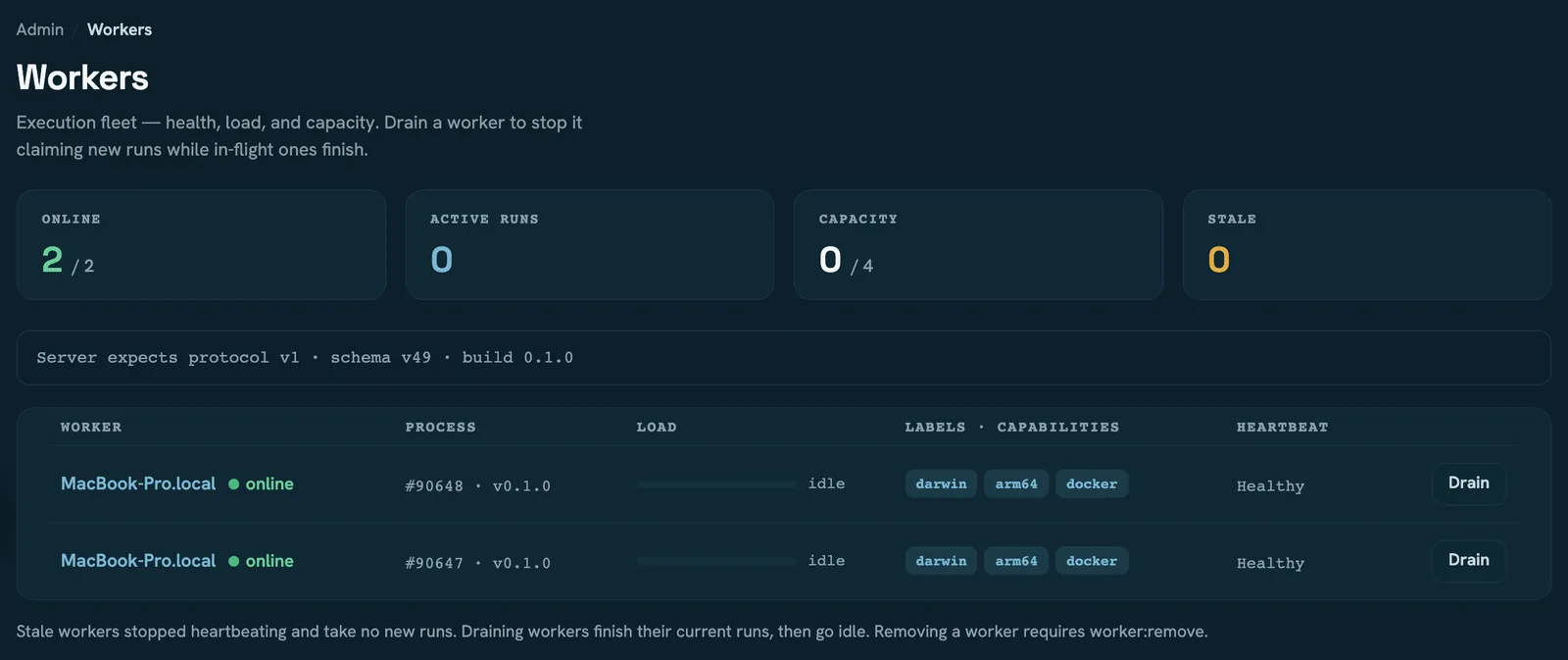
- flow CLIbuilds the plan
- Servervalidates, applies policy, queues
- Workerclaims it and runs the stages
Five minutes to your first green run.
No account, no server, no YAML — just Node 24 and a project you already have.